
Expert Tips for Setting Up Your IPTV Service with EPG

Setting up your IPTV service with an Electronic Program Guide (EPG) can significantly enhance your viewing experience. An EPG provides a user-friendly interface that displays scheduling information for current and upcoming programs. This guide will help you set up your IPTV service effectively, ensuring you get the most out of your streaming experience.
Understanding IPTV and EPG
IPTV, or Internet Protocol Television, delivers television content over the internet rather than through traditional terrestrial, satellite, or cable formats. An EPG complements this service by offering a digital guide that showcases program schedules, making it easier to plan your viewing.
With an EPG, you can access detailed information about each show, including the title, description, and broadcast time. This feature is essential for anyone looking to streamline their TV watching habits and avoid missing their favorite shows.

Choosing the Right IPTV Service
Before setting up your EPG, you need to select the right IPTV service. Consider factors such as channel variety, streaming quality, and customer support. Research different providers and read reviews to find one that fits your needs.
Once you have chosen an IPTV provider, ensure they offer EPG integration. This feature is crucial as it allows you to access program schedules directly through your IPTV interface.
Subscription Plans
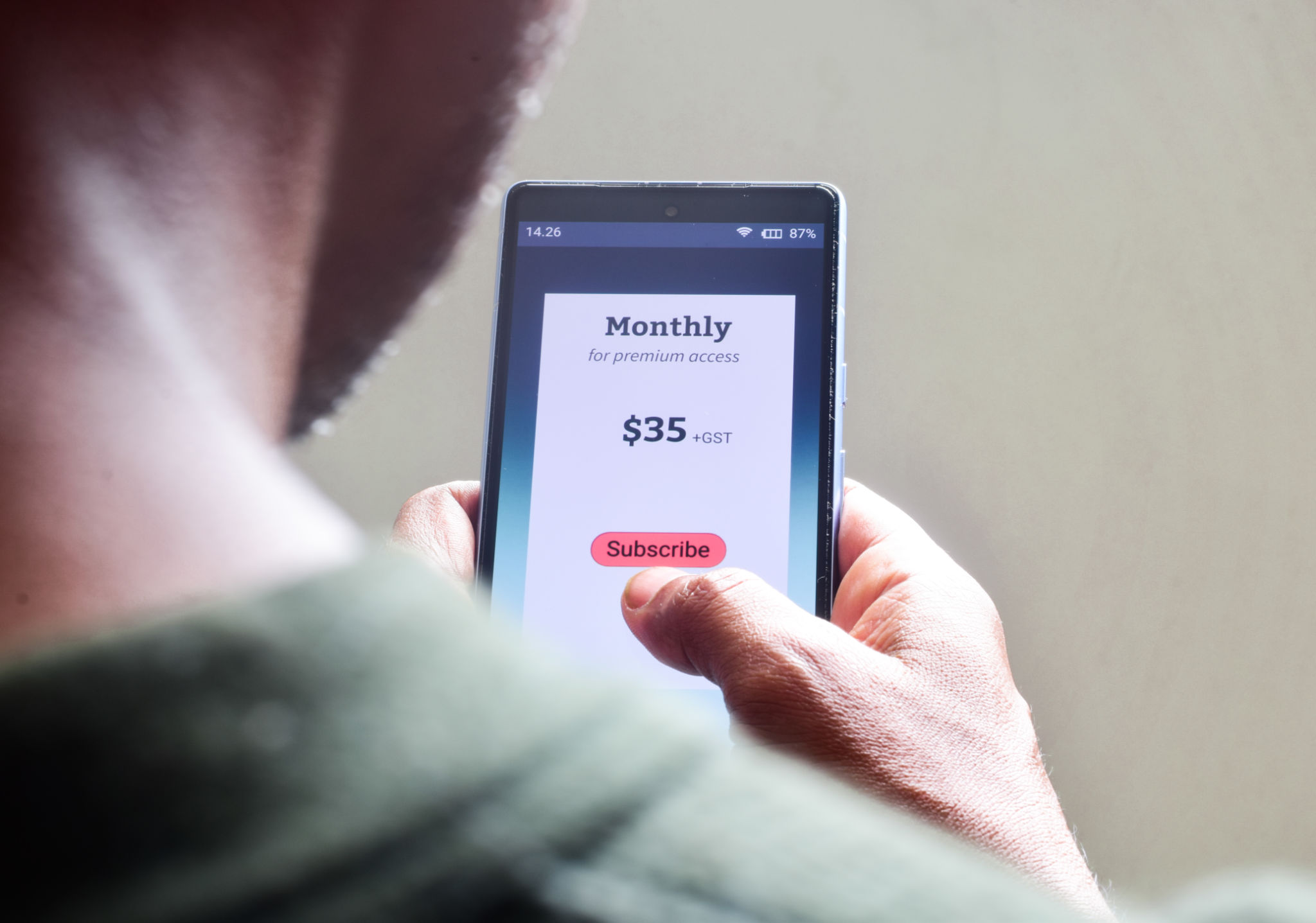
When selecting a subscription plan, look for options that include EPG functionality. Some providers offer trial periods, so you can test the service before committing. Make sure the plan you choose meets your viewing requirements and budget.
Setting Up Your EPG
After subscribing to an IPTV service with EPG support, the next step is to configure the guide. Follow these steps to set up your EPG:
- Access your IPTV interface: Log in to your account using the credentials provided by your service provider.
- Navigate to the EPG section: This is usually found in the settings or main menu.
- Download the EPG data: Your provider will supply a URL or file to download the EPG information.
- Import the EPG data: Follow the instructions provided by your provider to import the data into your IPTV system.
Customizing Your EPG
Once your EPG is set up, you can customize it to enhance your viewing experience. Sort channels by category or preference, and adjust the time zone settings to ensure accurate scheduling information. Many IPTV services allow you to personalize the interface, making it easier to navigate.

Troubleshooting Common Issues
Even with a well-set-up system, you may encounter issues with your EPG. Common problems include missing channels or inaccurate schedule information. To resolve these issues, try the following:
- Check your internet connection: A stable connection is essential for the EPG to function correctly.
- Update your EPG data: Regularly refresh the EPG information to ensure you have the latest program schedules.
- Contact your provider: If problems persist, reach out to your IPTV service support team for assistance.
By following these expert tips, you can easily set up and optimize your IPTV service with an EPG, ensuring a seamless and enjoyable viewing experience. Happy streaming!